- Log in the WordPress CiviCRM at crm.vcn.bc.ca.
- Open the report by either:
- Click on “Last 30 Day Donations”, “Last 60 Day Donations”, or “Last 90 Day Donations” at top of the screen.

Top menu item for reports - Click on date in the on of the donation summary table to show that date
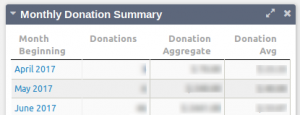
Monthly Donation Summary Table
- Click on “Last 30 Day Donations”, “Last 60 Day Donations”, or “Last 90 Day Donations” at top of the screen.
- Click on “Action” combo box and choose “Print Report” and wait for the print dialog.
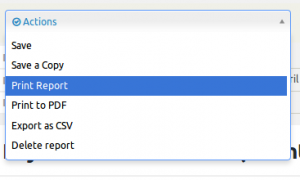
Action Menu - Click on “Print” button.
- Log out by click on the CiviCRM icon at top beside contract search bar.
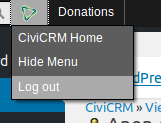
CiviCRM Log Out